Work 04 / 11
Duress Device Renders
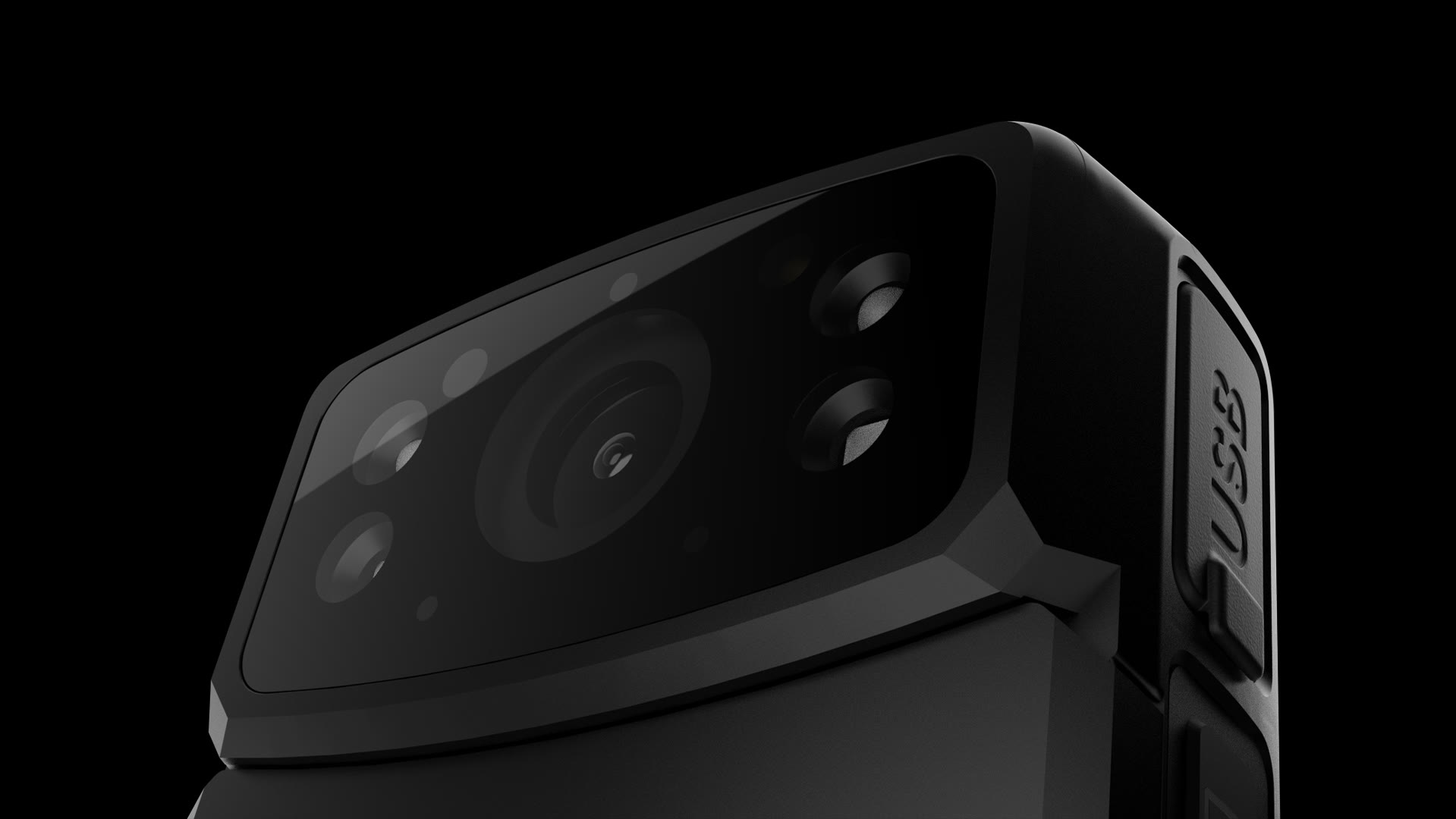
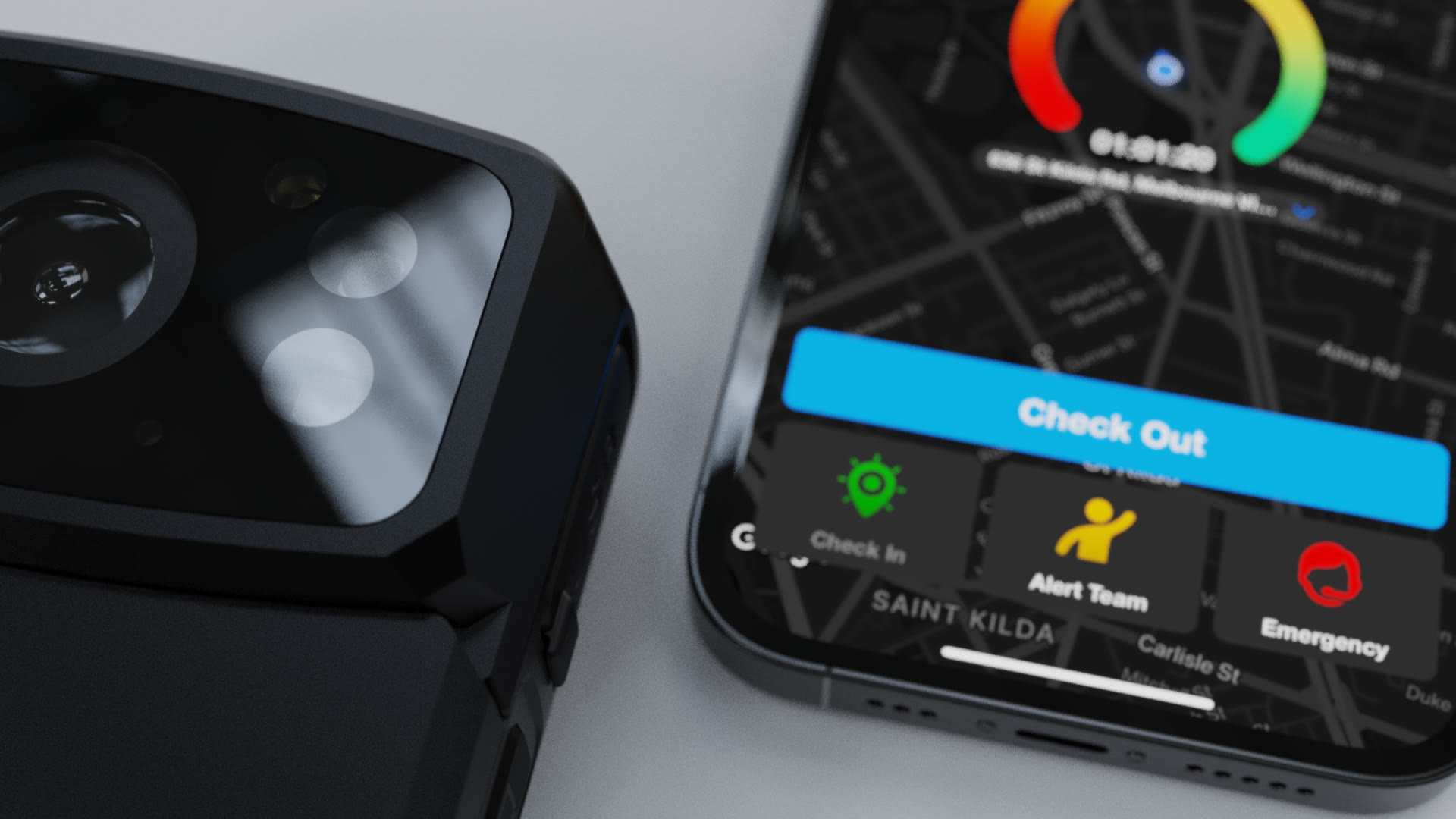
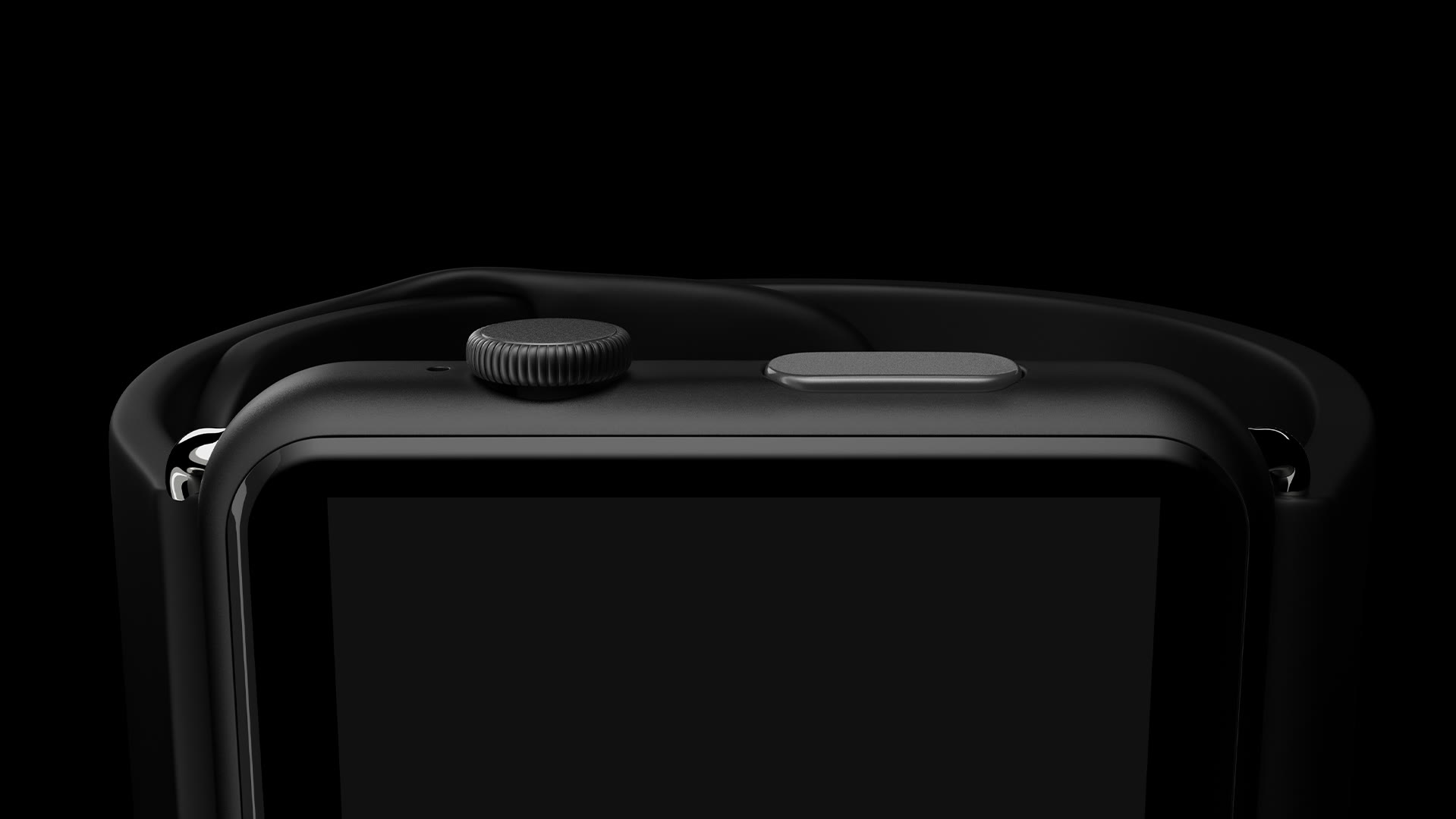
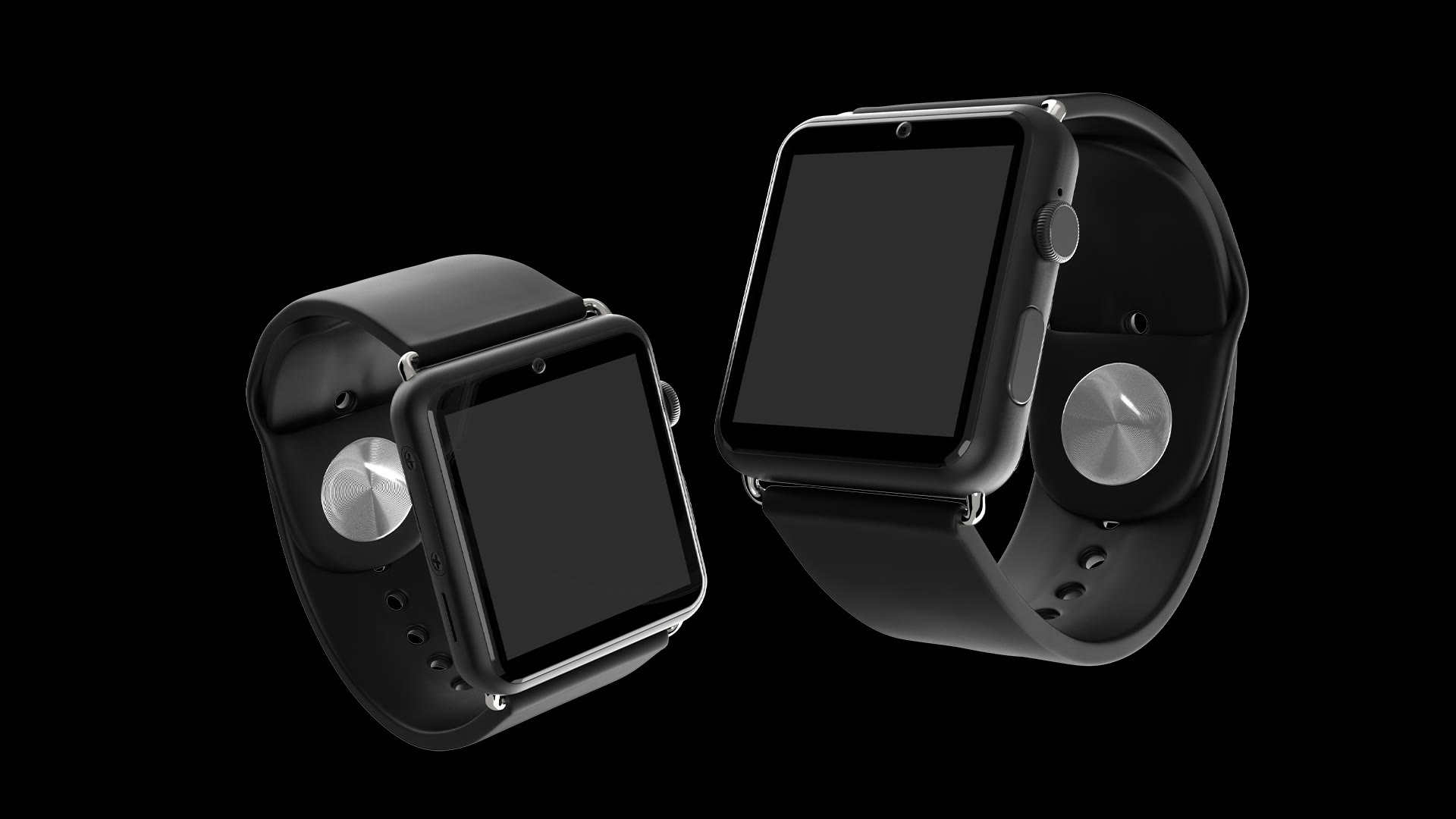
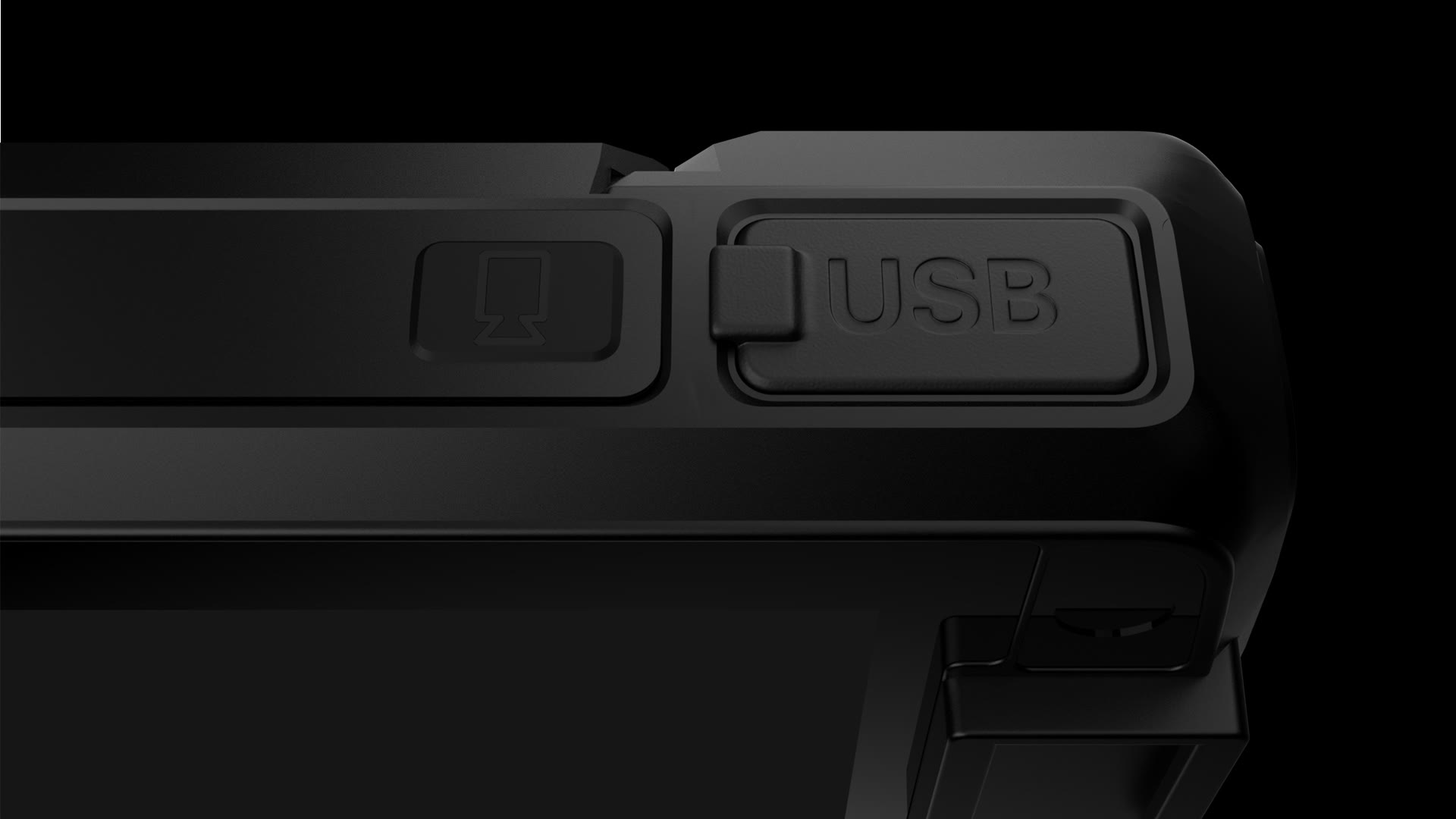
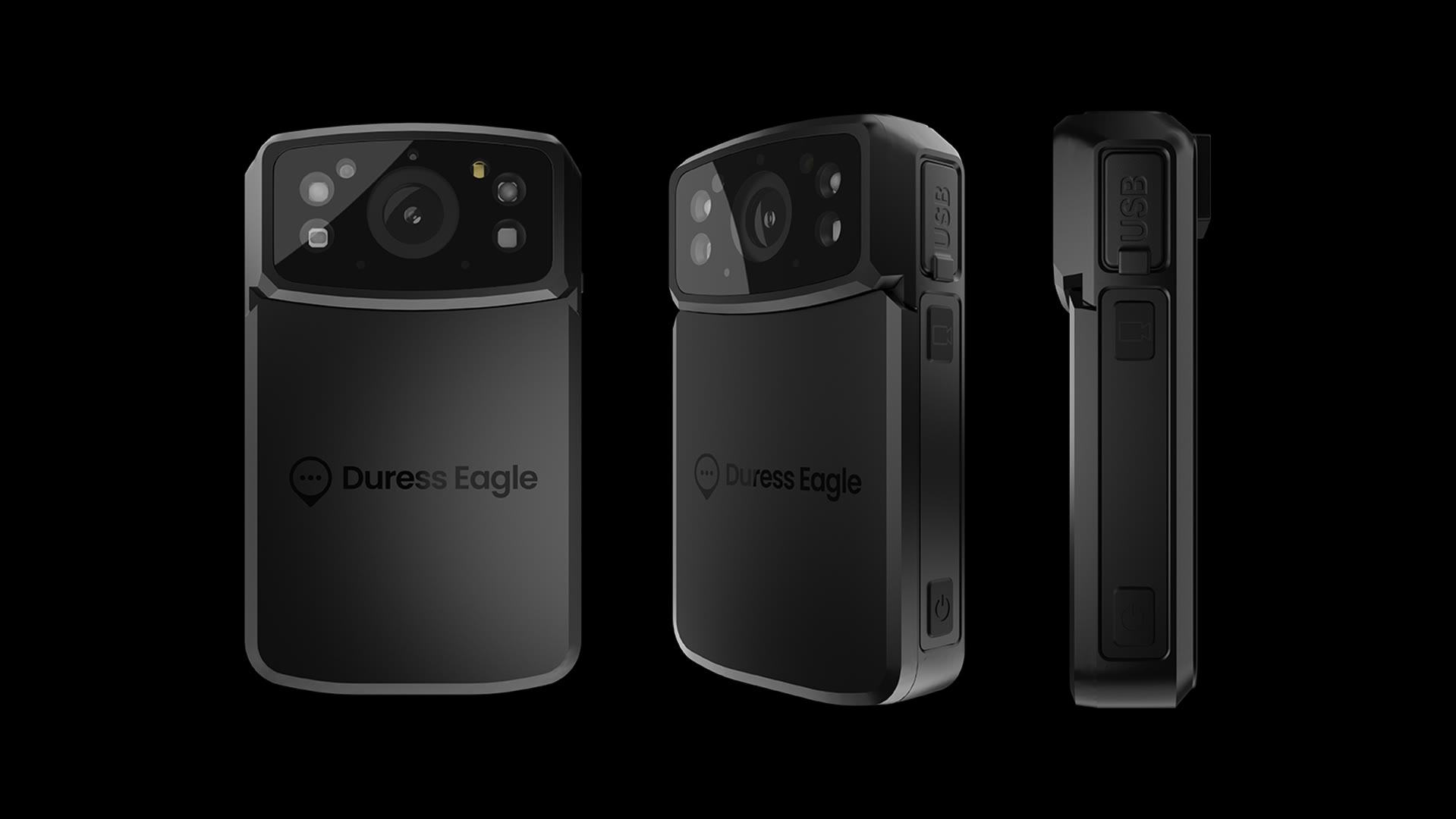
A comprehensive rendered asset library for all Duress devices and accessories, including all UI screen variations. A custom Photoshop plugin was developed to reduce batch export times.
Overview
One library, every device, every angle.
I developed a streamlined workflow to create a comprehensive library of rendered assets for every Duress device and accessory. Starting with 3D modeling in Blender and rendering in Keyshot, I implemented consistent angles, file naming, and a custom Photoshop plugin to batch-generate all screen variations across artboards.
3D modelling & rendering
Model in Blender, light in KeyShot.
3D modelling started in Blender with some devices needing topology refining. These were then put into Keyshot and set up with lighting, materials and cameras for batch rendering.
Angles & naming
Forty-five degrees at a time.
Angles were sorted in 45 degree increments for an expansive library of render assets. Naming conventions were clear, marked with the device color, angle and screen content (e.g. eagle-render-emergency-black-45.png).
Screen UI & batch exporting
A plugin to do the boring part.
Screens were then added as a linked Photoshop file and organised in artboards. I then developed a Photoshop UXP plugin to do the batch exporting for every screen in the linked file for all artboards in the main file.
Gallery
Next project
Firefly