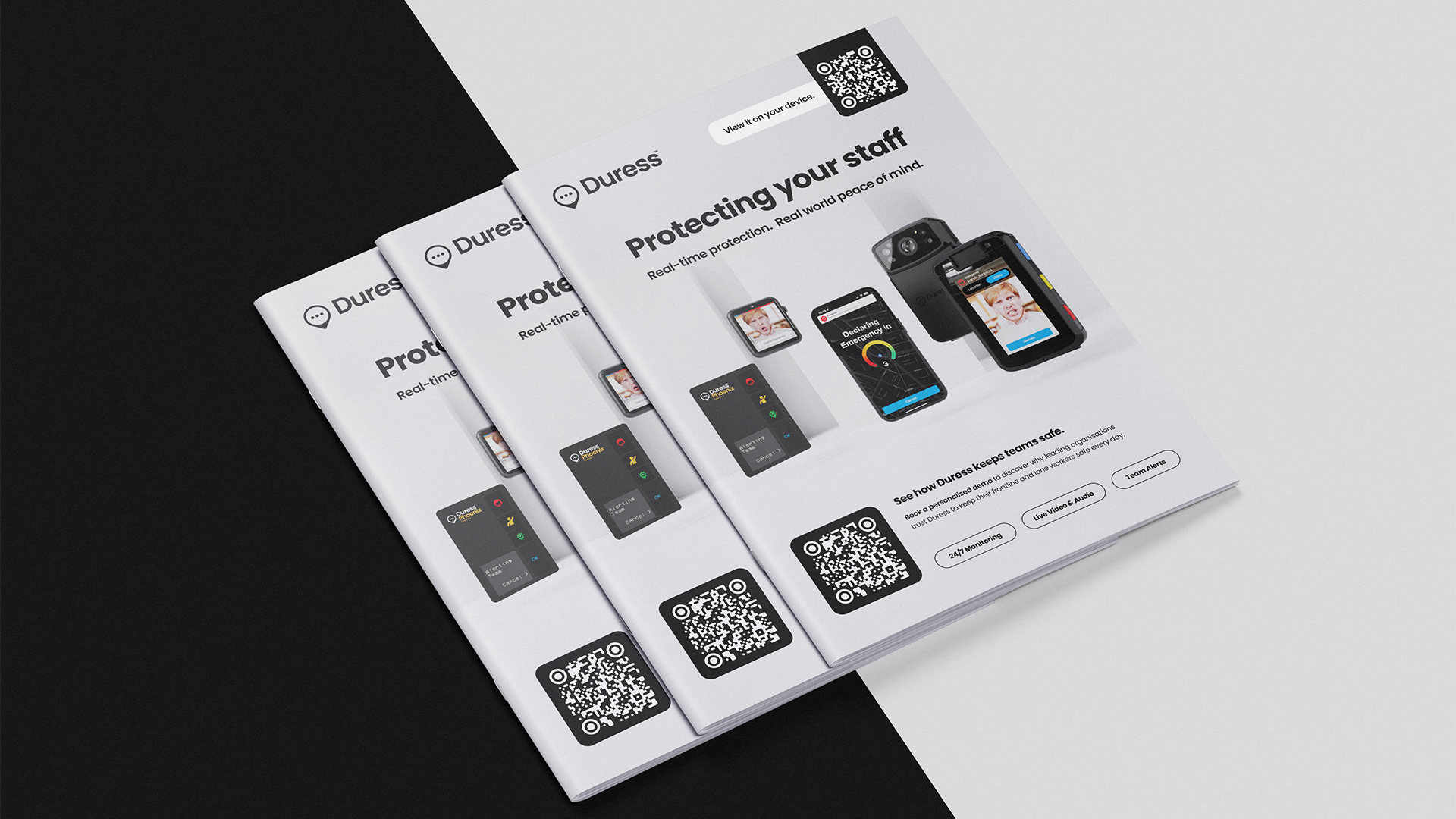

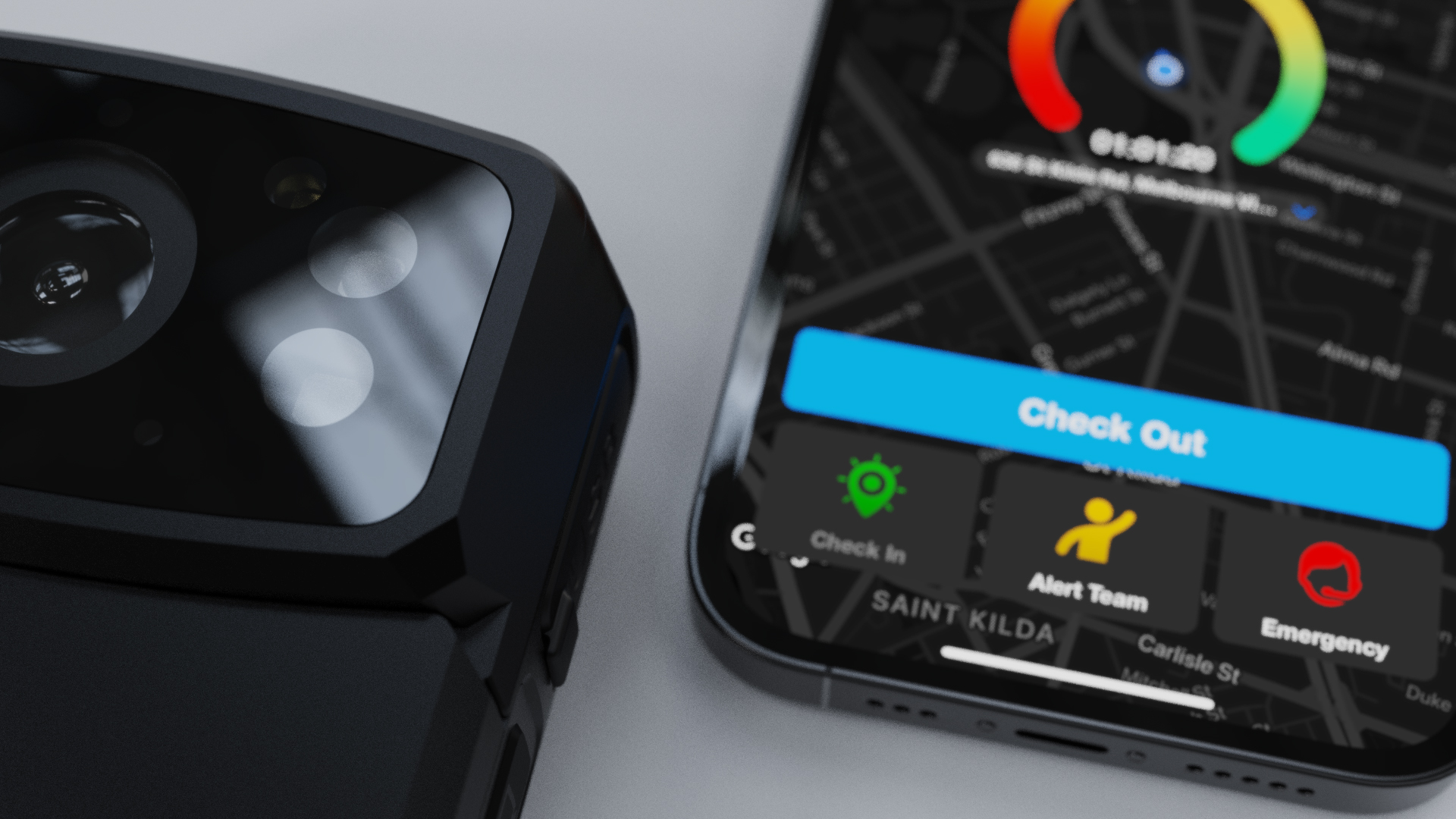

Duress Device Renders
Overview
I developed a streamlined workflow to create a comprehensive library of rendered assets for every Duress device and accessory. Starting with 3D modeling in Blender and rendering in Keyshot, I implemented consistent angles, file naming, and a custom Photoshop plugin to batch-generate all screen variations across artboards.
Client
Duress
Industry
Safety Technology
Year
2024/25
Software


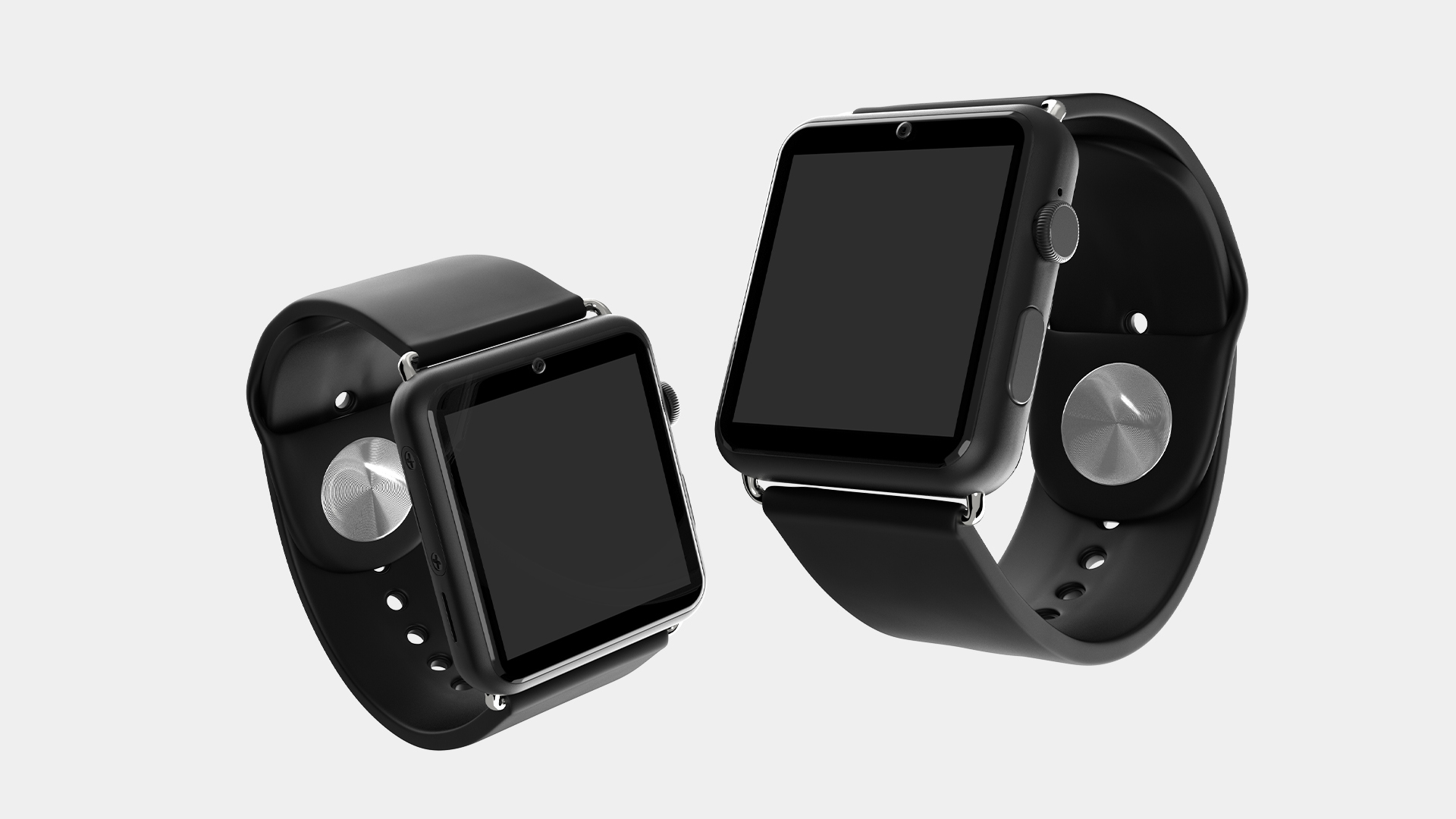
3D Modelling & Rendering
3D modelling started in Blender with some devices needing topology refining. These were then put into Keyshot and set up with lighting, materials and cameras for batch rendering.
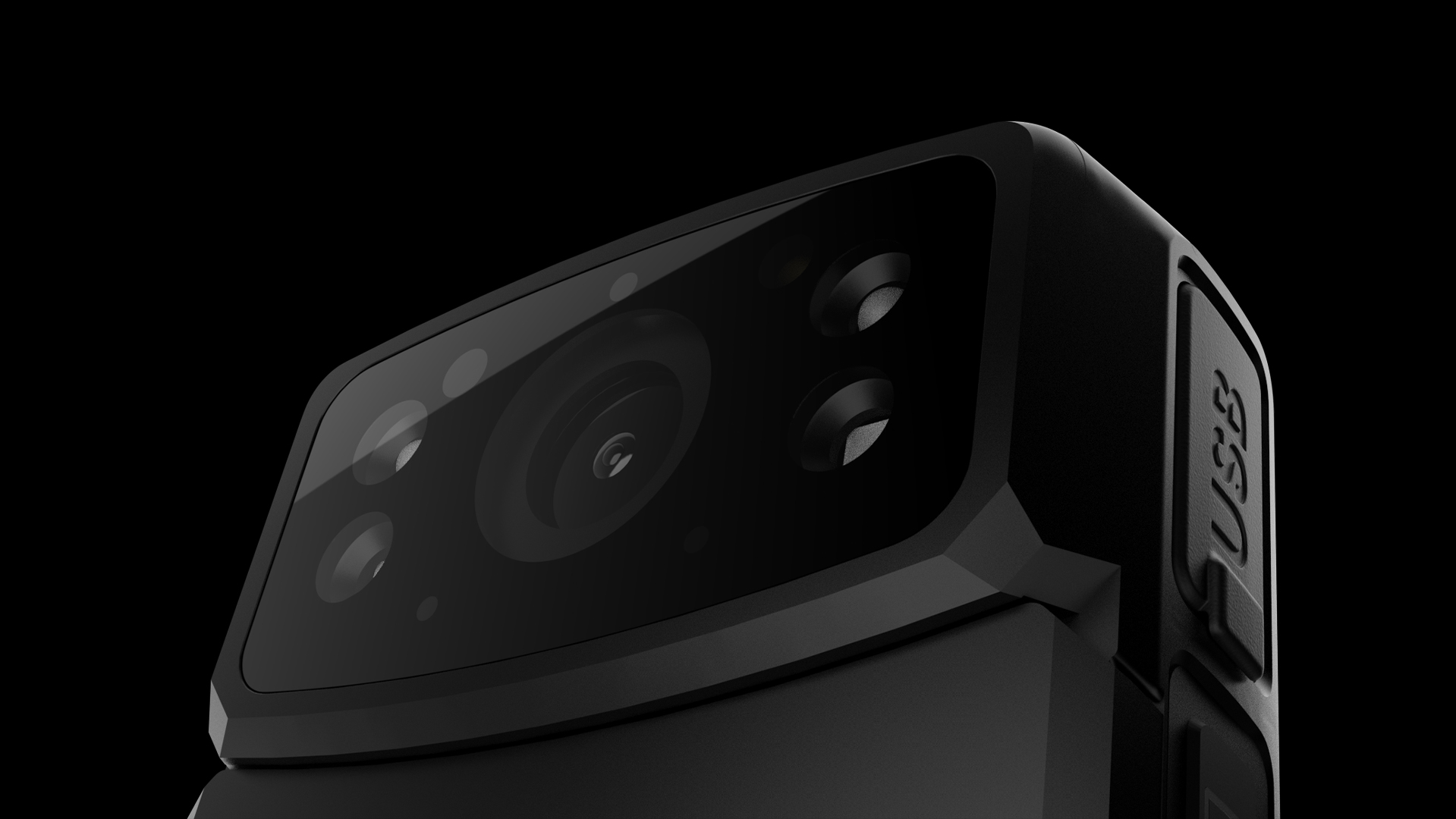
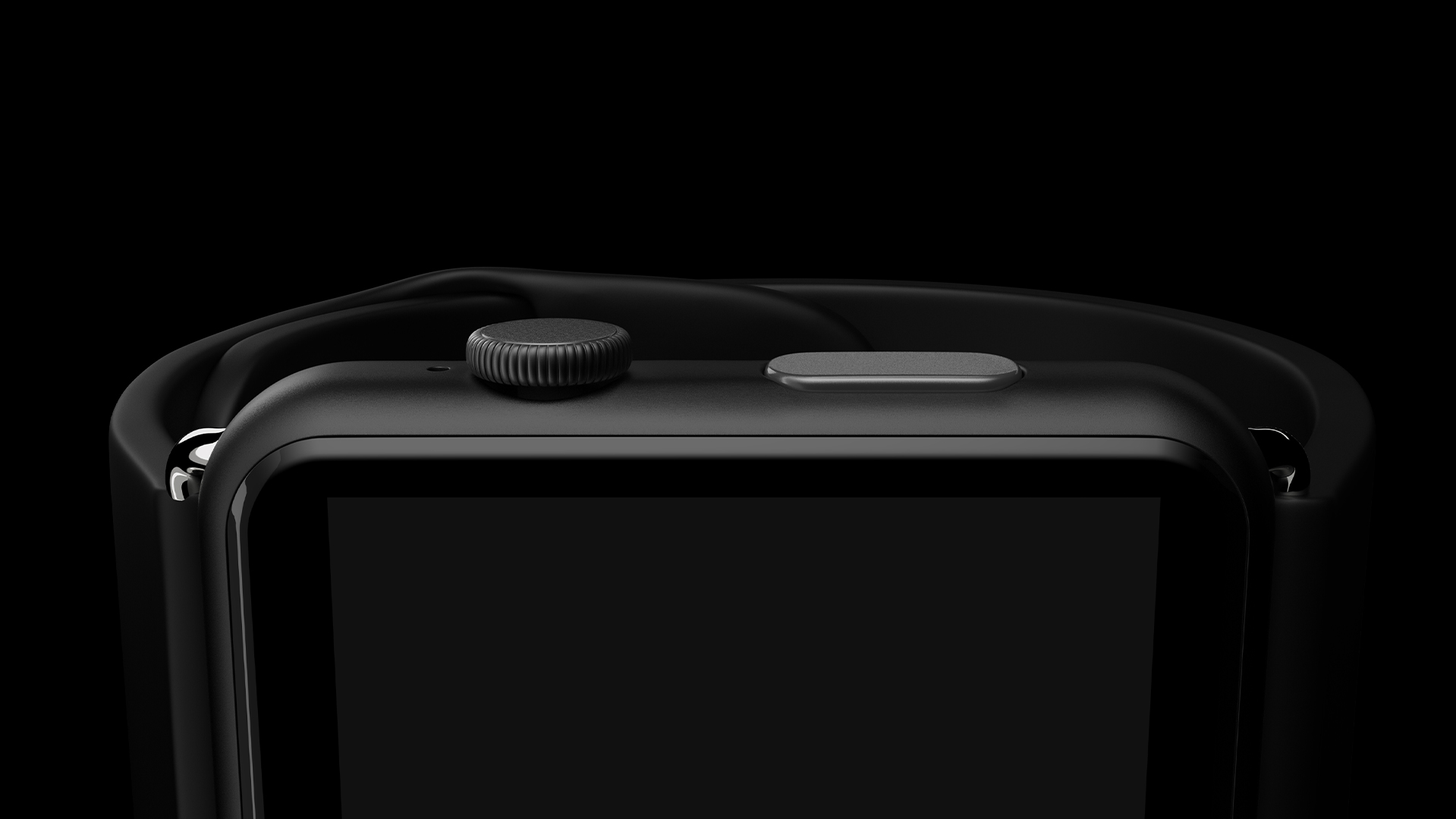
Angles & Naming Conventions
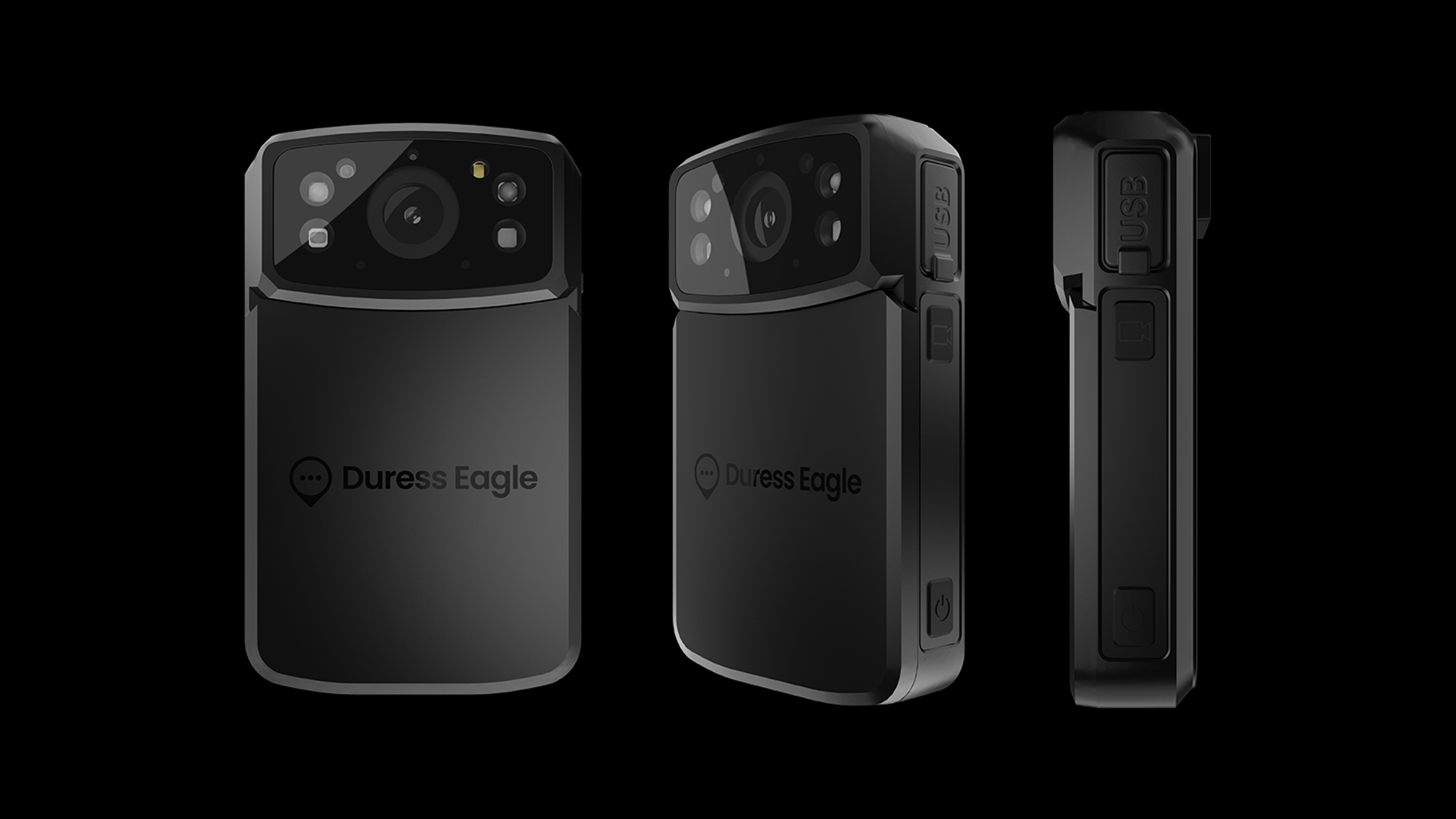
Angles were sorted in 45 degree increments for an expansive library of render assets. Naming conventions were clear, marked with the device color, angle and screen content.
(e.g. eagle-render-emergency-black-45.png).
(e.g. eagle-render-emergency-black-45.png).
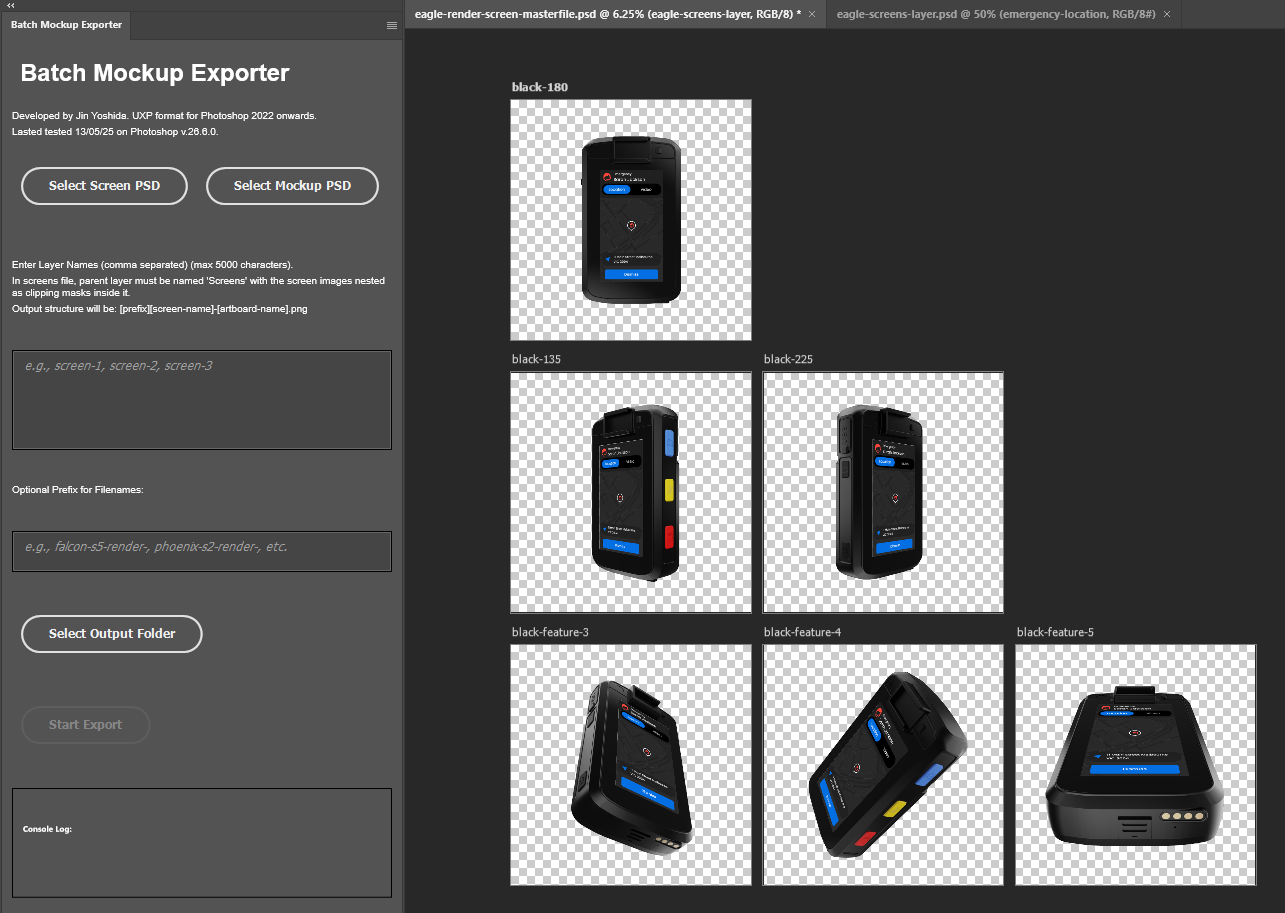
Screen UI & Batch Exporting
Screens were then added as a linked Photoshop file and organised in artboards. I then developed a Photoshop UXP plugin to do the batch exporting for every screen in the linked file for all artboards in the main file.